

Everything you want to know.
Frequently Asked Questions
Does it replace air conditioning?
The short answer is no, but it serves a very different purpose. An air conditioner pumps heat entirely out of your house. The Sleep Core is a water-based thermoregulating system that actively pulls heat away from your body and exhausts it into your bedroom.
While it will significantly lower your bed surface temperature compared to a regular mattress, no system on the market can act as a 100% replacement for AC during intense summer heatwaves. Because the Unit releases heat into the room, it performs optimally when your bedroom ambient temperature is 24°C or below.
It is a powerful tool for targeted body cooling, but you may still need AC to manage the room itself on the hottest days of the year.
Is there a subscription?
No. Never. Qimora is a one-time purchase with no ongoing costs.
Does it need an app or Wi-Fi?
No. Qimora is fully offline. No app, no account, no wireless connection of any kind.
How loud is it?
The unit produces low-level white noise of approximately 35 dB, measured at 1 metre. Most users describe it as similar to a quiet fan in the background.
How often does it need maintenance?
Very little. Replace the distilled water every 4 months or earlier if the Unit requires it. Occasionally wipe the unit to remove dust. That's it.
Does it change how my mattress feels?
Minimally. The thermal pad makes a negligible difference. Most users describe the surface as around 5% firmer, and 99% report they cannot feel the tubing once they lie down.
Is it certified?
Yes. The Qimora Sleep Core is CE and UKCA certified.
What is the power consumption?
The Sleep Core uses up to 210W while cooling. Heating draws up to 300W for the single zone, or 400W for the dual zone.
Is there electricity in the Pad?
No. Temperature is adjusted exclusively via water flow. The Pad contains no electrical components of any kind.
Is it a medical device?
No. Qimora is not a medical device and makes no clinical claims.
What if the Pad gets stained?
The Pad cover is waterproof. If it becomes stained, replacement covers are available at a fraction of the full product price.
Setup the Sleep Core in less than 10 minutes
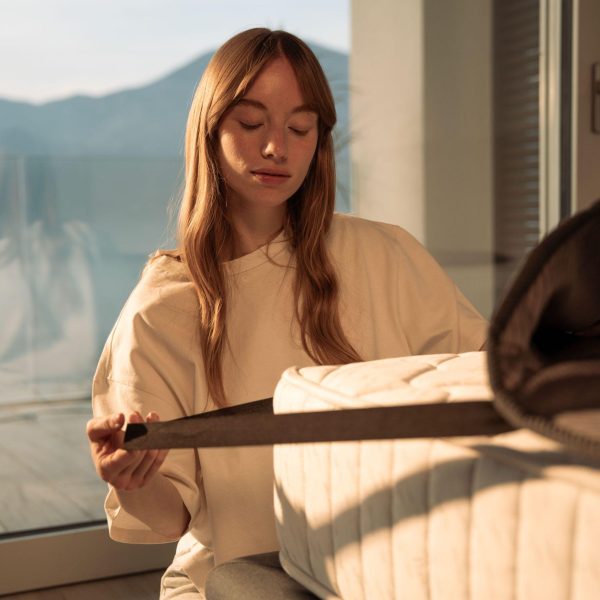
Step 1
Position the Pad on your mattress and secure the elastic straps around the corners.
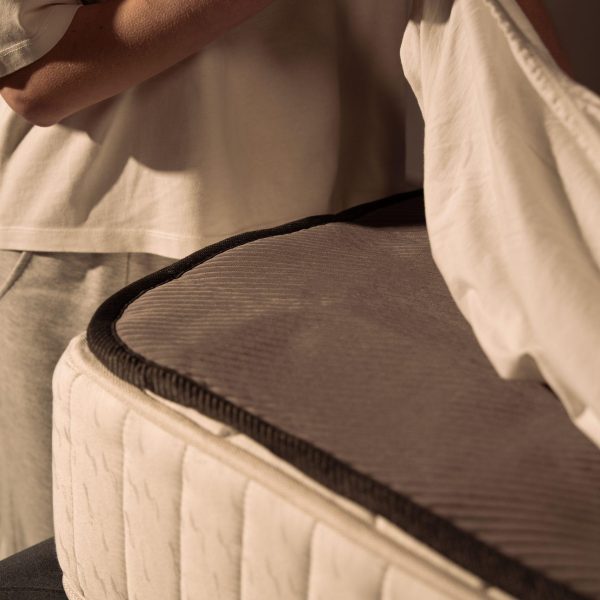
Step 2
Cover the Pad with your usual bedsheet or bedspread.
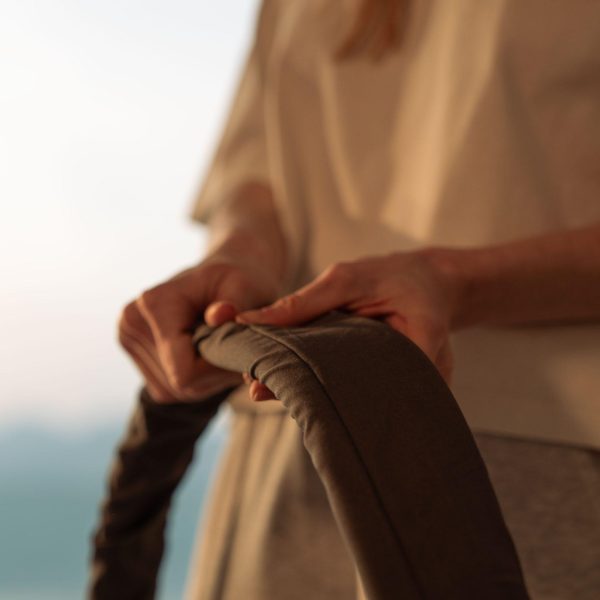
Step 3
Ensure the connection tubes are free of tangles and are not twisted.
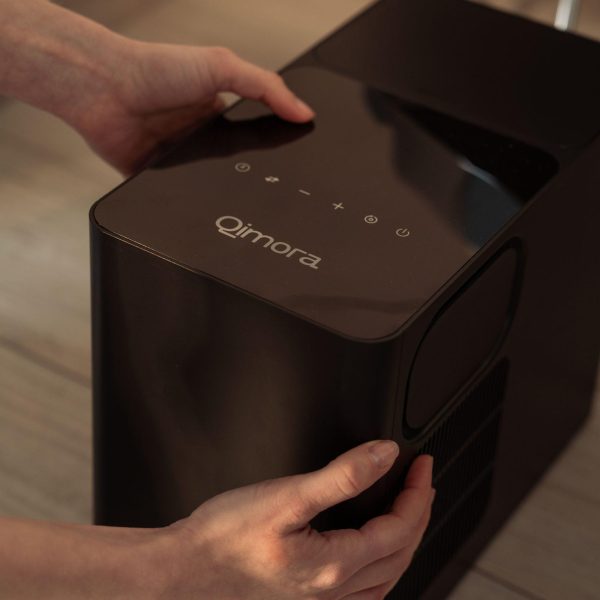
Step 4
Place the unit beside the bed, leaving at least 15 cm of clearance on all sides to allow for proper air circulation.
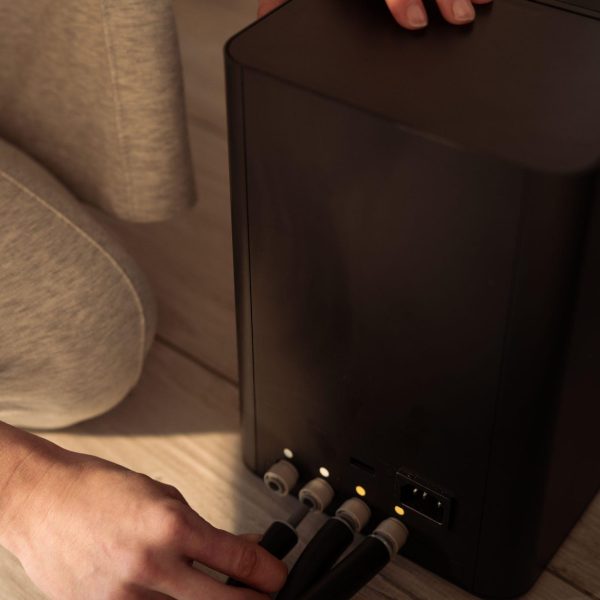
Step 5
Connect the tubes to the unit by matching the colours on the tubes to the corresponding connectors on the device. IMPORTANT: Ensure the tubes are not kinked once connected.
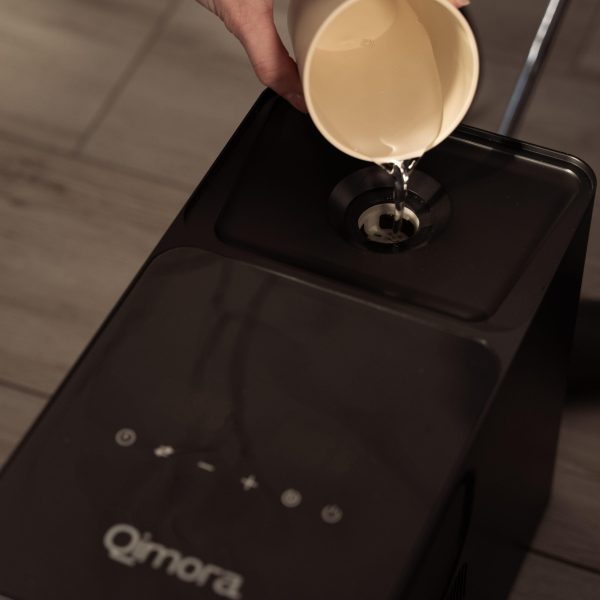
Step 6
Remove the cap from the Unit, slowly fill the unit's reservoir with distilled water, and plug the power cord into a grounded electrical outlet.
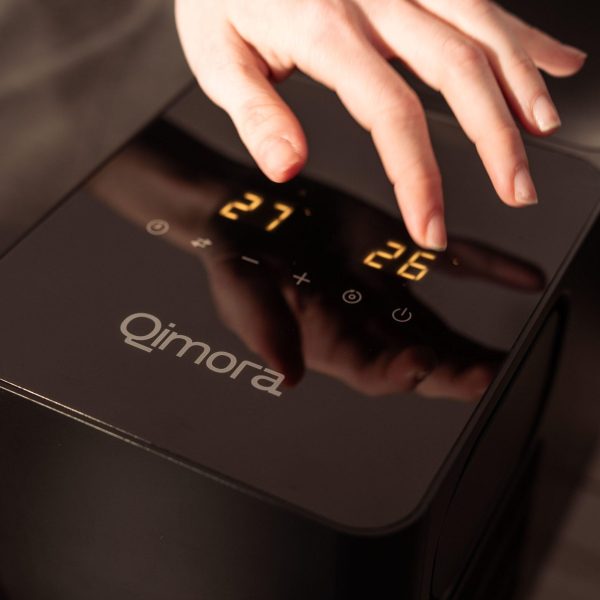
Step 7
Press the power button to turn the unit on.
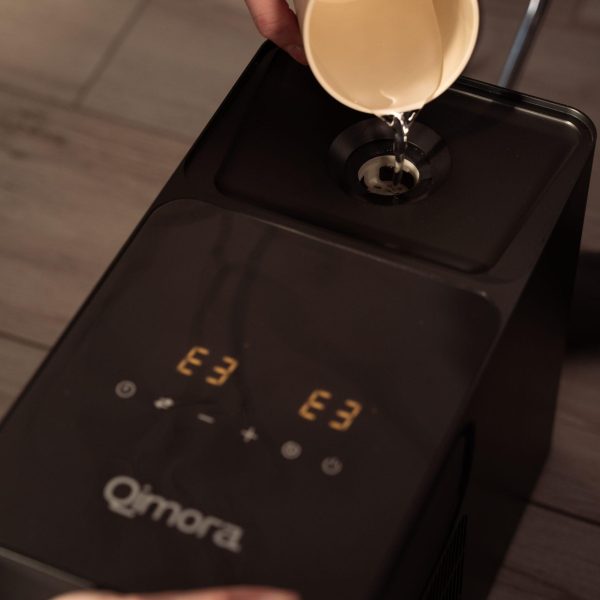
Step 8
The pump will begin to push water into the Pad. When the reservoir empties, an alarm will sound and the E3 code will appear. When this happens, refill the reservoir.
Repeat this procedure until the alarm stops and the E3 code disappears.